
ihor@dev:~$ cat extension-overview.md
About this extension
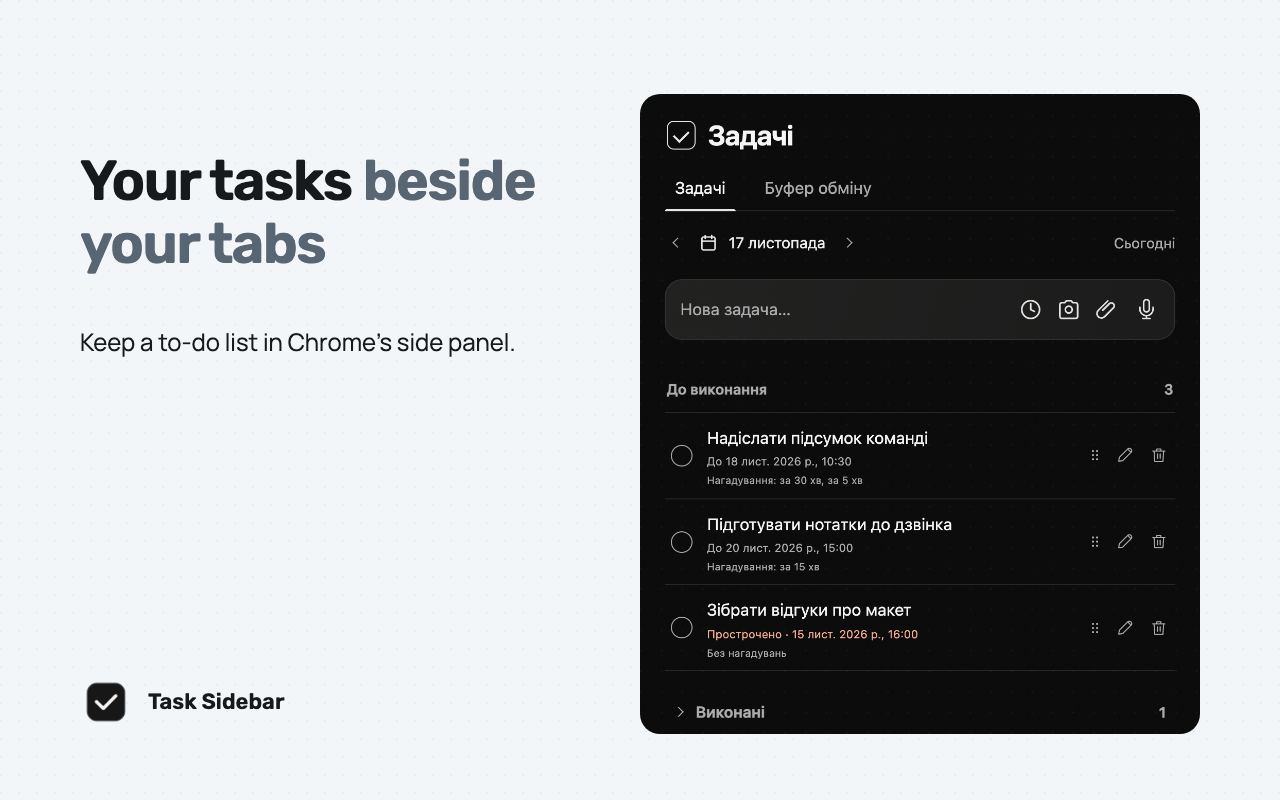
Task Sidebar is a to-do list in Chrome’s side panel. Open it from the extension menu or pin it to the toolbar.
Plan your day
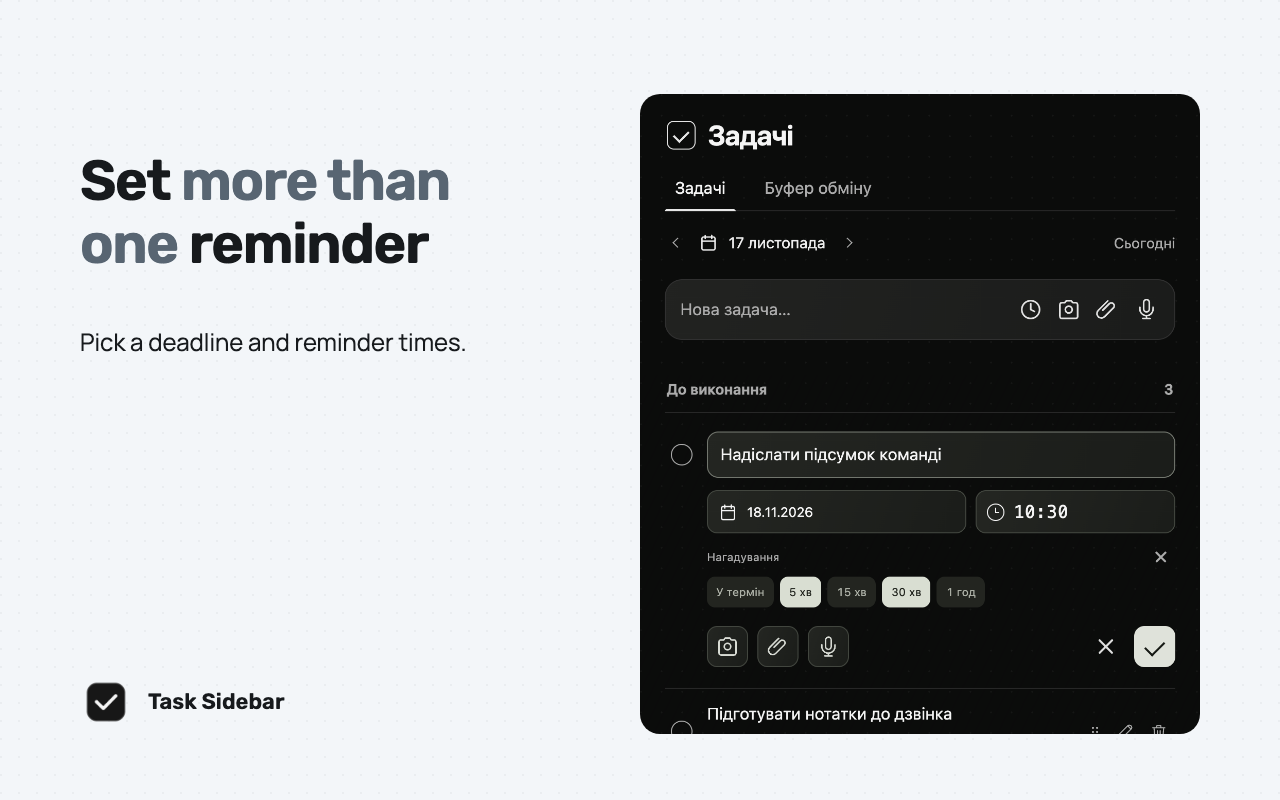
Add tasks with Enter, drag them into order and mark them complete. See deadlines and finished tasks in the calendar. Set one or more reminder times. Chrome can show reminders while the panel is closed.
Keep task materials together
Attach files or pasted images, take a still snapshot of a tab you choose or record a voice note with microphone access.
Optional clipboard history
Open the Clipboard tab and grant access if you want to keep up to 20 recent copied texts and links. Pause capture or clear saved entries from the panel.
Local storage
Your task materials stay in the current Chrome profile. The extension encrypts saved content with AES-256-GCM. It has no account, cloud sync or analytics.
Browser and support
Version 0.4.0 requires Chrome 114 or later. The task panel is in Ukrainian. See the project page or email ihorkharchyshyn@gmail.com for help.
Screenshots
Privacy and data processing
The extension processes the following information only as described for its visible product workflow:
- The extension saves your task text, order, completion dates, deadlines and reminder settings locally. For a scheduled reminder, it passes the task text and time to Chrome and the operating system. People who can see your notifications may see that information.
- Attachments and drafts can contain files you choose, pasted images and task text. Screen capture takes a still image of the Chrome tab you select. The extension records audio only when you start a voice note and allow microphone access.
- Clipboard History starts off. If you enable it and allow Chrome clipboard access, the extension reads copied text in the background while Chrome is running and saves up to 20 recent distinct entries. Copied text can contain sensitive information. A local fingerprint helps avoid saving unchanged text again, including after you clear the history.
- When the review invitation is available, a local task-save count and your dismissal choice control whether it appears. The extension opens the Chrome Web Store review page when you choose the review action.
No user data is transmitted to IHOR.DEV or third parties.
Chrome permissions
Building a browser tool for your team?
See how I approach extension architecture, browser permissions, interface development and store releases.